Deep SkyDarkness and Moon-aware
Your night. Your kind of observing.
Know when the sky is worth the setup.
A clear observing forecast for Android. Bring weather, darkness, Moon geometry and target visibility together—then plan for the way you use your telescope.
Native Android app · Six languages · No account needed
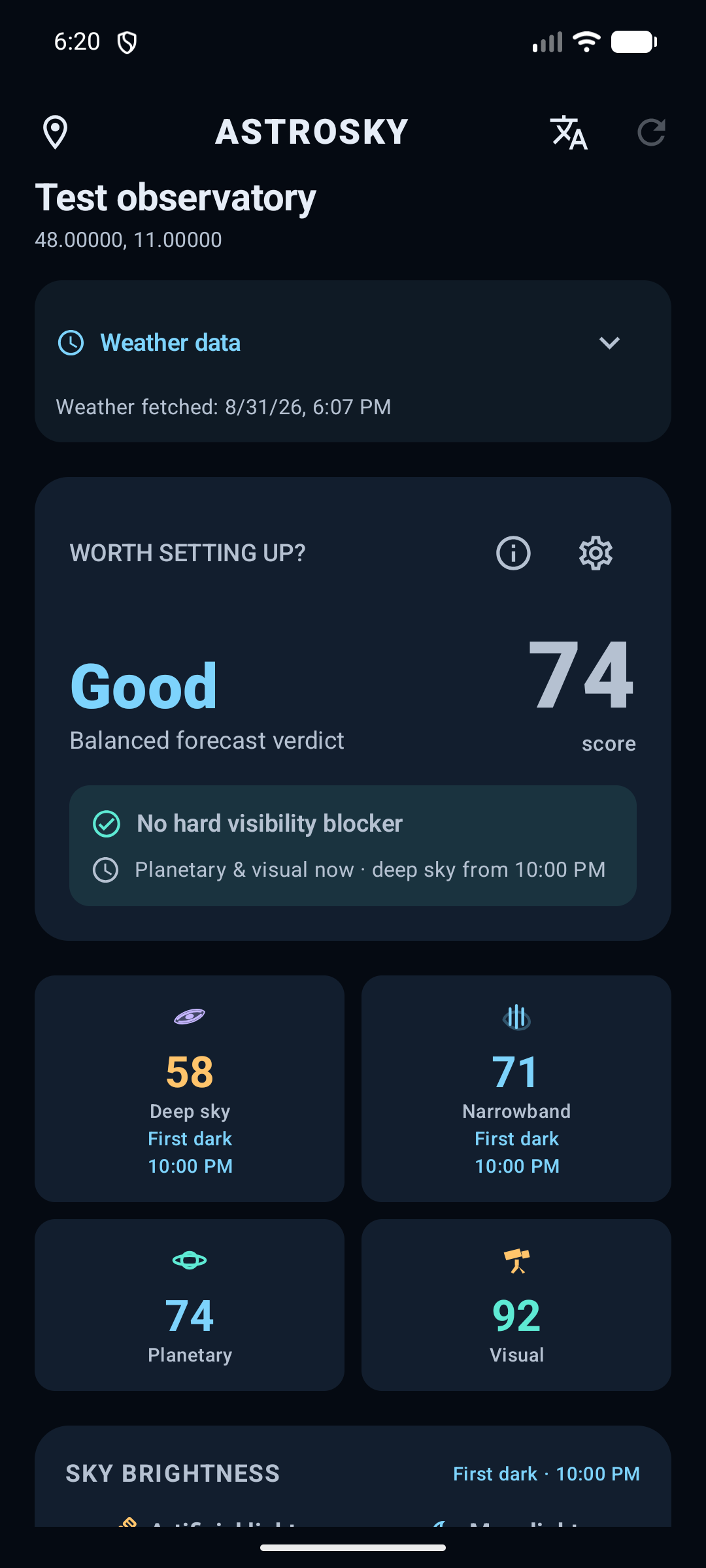
NarrowbandCloud and target focused
PlanetarySeeing and wind focused
VisualTransparency and visibility
From a decision to a plan
See the conditions. Understand the trade-offs.
Review sky brightness, compare observing modes and discover targets matched to the selected location and tonight’s conditions.
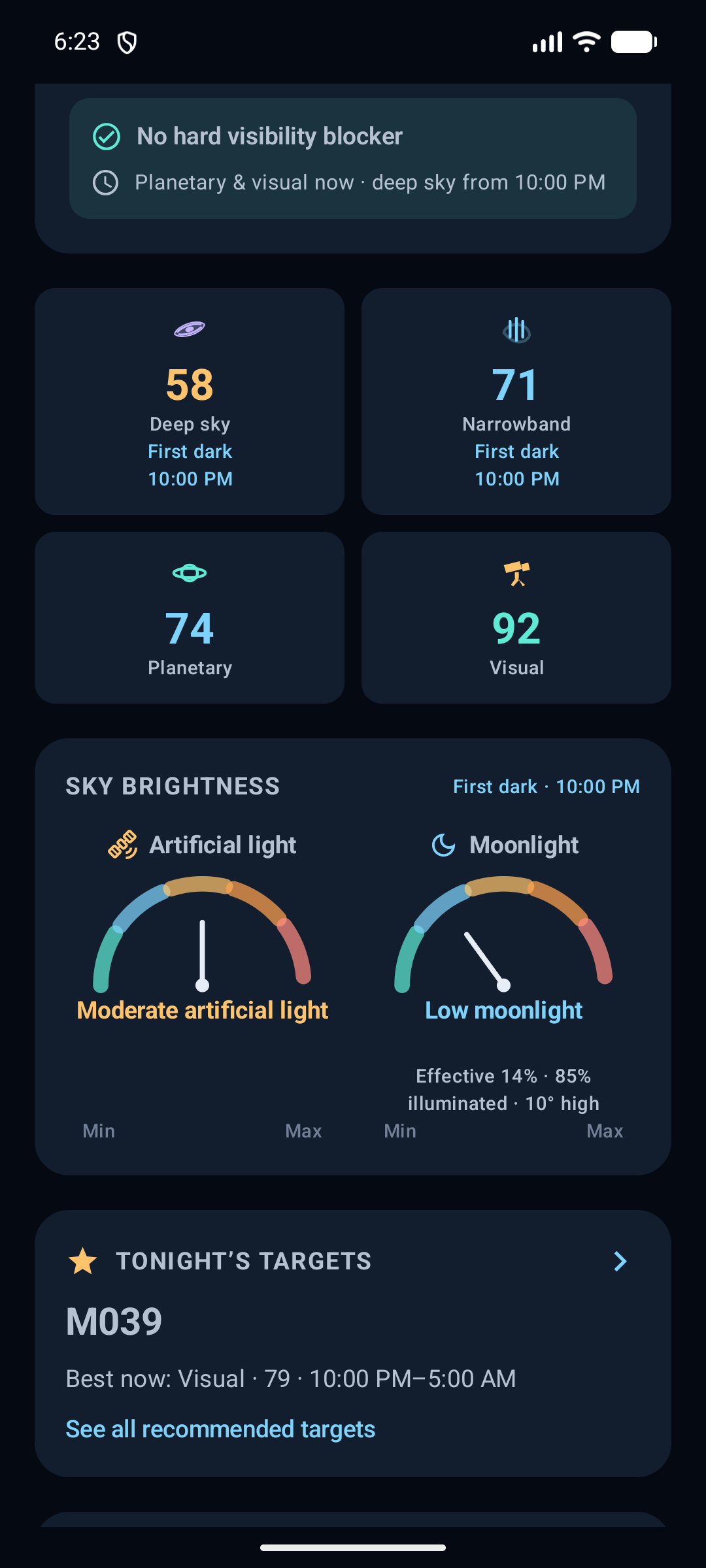
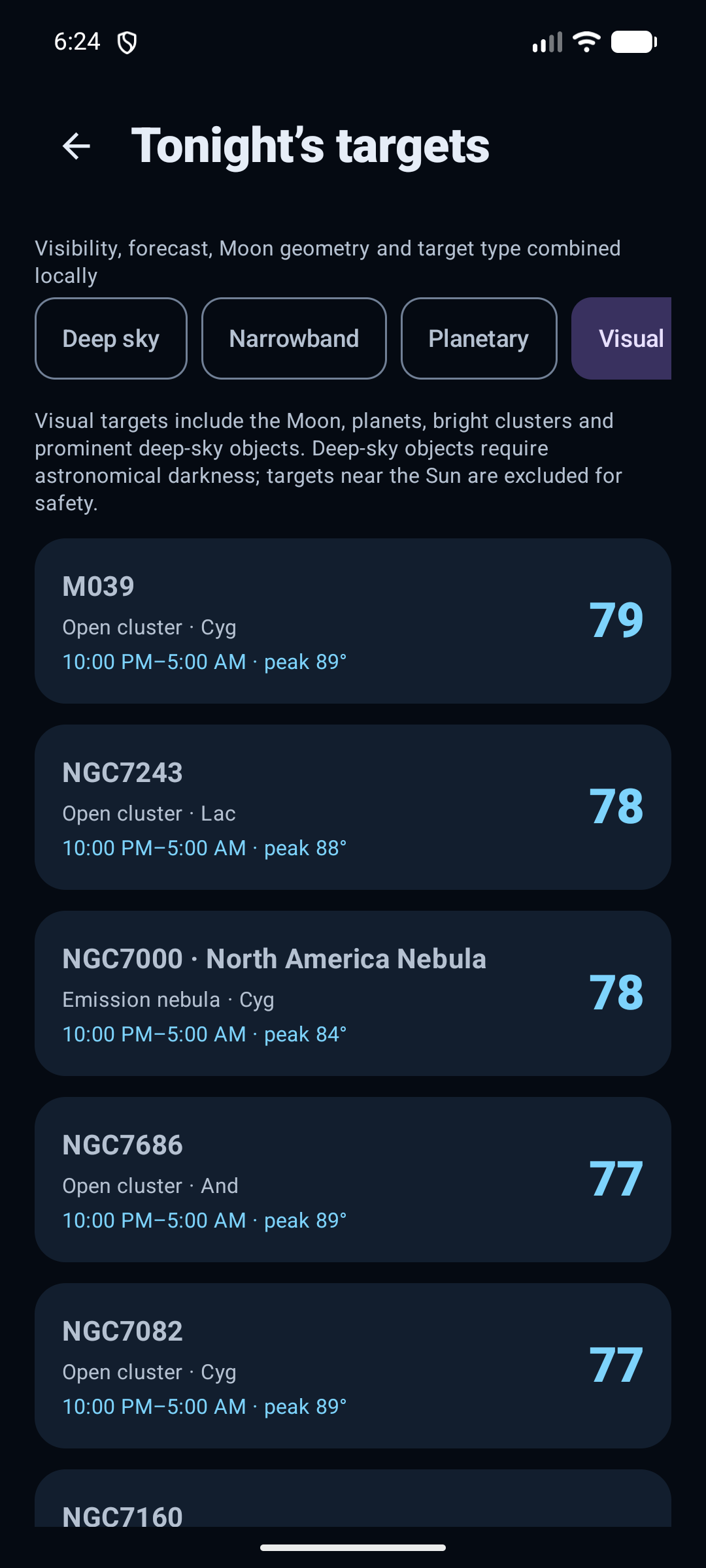
App screenshots captured on a debug emulator on 31 August 2026, using a test observing site. These are examples, not live forecasts.
A glance before you grab the telescope
Three sizes. One familiar design.
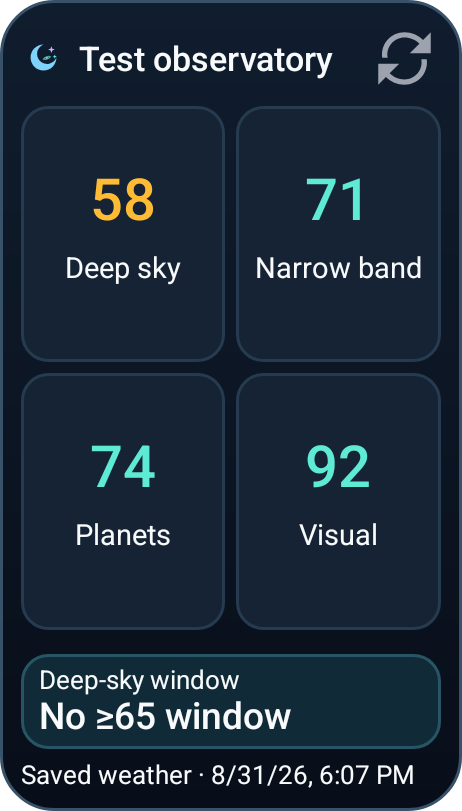
Add AstroSky from Android’s home-screen widget picker. Every size shares your active site, app language and forecast data, with four readable mode cards, an observing window and a freshness label.
A small footprint, a clear plan
Four mode scores in a compact two-column layout, with the essentials kept together.
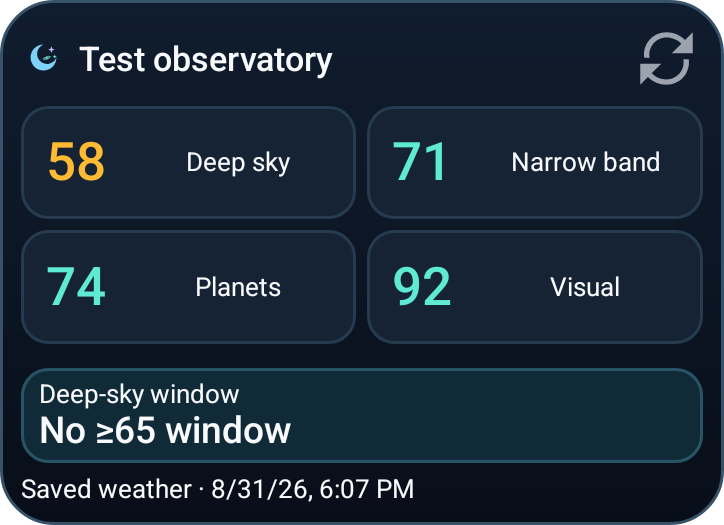
More width, less height
Horizontal mode cards in a two-by-two grid, ideal for a wider space on your home screen.
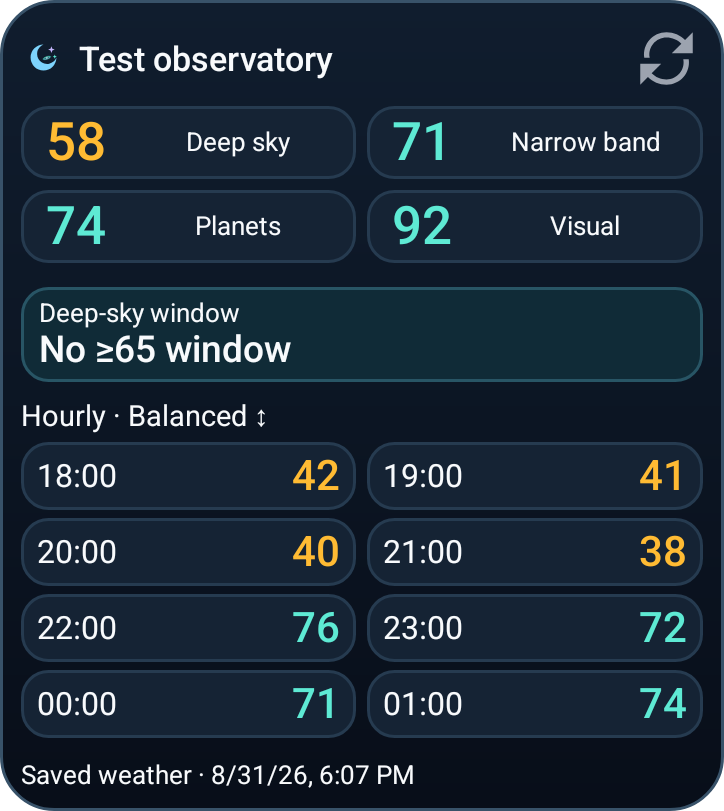
Find your next useful hour
An eight-hour plan in two columns and four rows. Scroll the hourly area when your launcher gives it less room.
Sizes are columns × rows; exact dimensions and resizing depend on your launcher. Widget images are native Android renderings from the emulator’s saved forecast, not interactive widgets.
A gentler first launch
Set up at your own pace.
The welcome guide starts in your device’s language when supported. You can change it before entering the app.
Pick your language
English, Deutsch, Română, Español, Français or Italiano. Change it later whenever you like.
Choose an observing site
Search for a place, enter coordinates or request GPS. GPS permission is optional; choose “Not now” and add a site later.
Make the forecast yours
Use Balanced for an overview, or choose the observing mode you care about. Alerts remain optional.
Plan less. Observe better.
Everything needed for a confident go / no-go decision
Hourly evidence and visible limitations help you decide what is worth trying—and when to wait.
Balanced or mode-focused verdict
Use one balanced decision across all four modes, or choose Deep sky, Narrowband, Planetary or Visual as the shared focus for tonight, the next-night comparison and your widget plan.
Moon and artificial-light gauges
Moonlight uses both illumination and altitude. The separate EOG 2020 satellite-light baseline is qualitative—not a current sky-meter reading or an exact Bortle rating.
800 deep-sky objects, plus our neighbours
Deep-sky, narrowband, planetary and visual targets are ranked locally using forecast quality, altitude, darkness and distance from the Moon. Open details and save favourites.
Three named locations
Save up to three observing sites, name them clearly, and swipe left or right through them in a circular loop from the main forecast.
Place search, GPS or coordinates
Find cities and villages, use your phone's current location, or enter exact coordinates in a dedicated full-screen location manager.
Local observing-window alerts
Choose modes, minimum score and continuous duration. Checks run on the device roughly every 30 minutes; Android may delay them to save battery. No account or push server required.
A plan on your home screen
Choose the tall 2×3, wide 3×2 or hourly 3×3 widget. All share one design and your app’s language. The large widget adds eight hourly scores for your selected focus.
Hourly and multi-night planning
Inspect usable hourly windows, visibility blockers and configurable next-night averages instead of relying on a single peak value.
Saved weather, honestly labelled
Forecasts are cached per location. If an update fails, recent saved data can remain useful, with its timestamp and fallback status visible. Offline data is not a new forecast.
Private by design
Your plans live on your device.
No accounts, ads, analytics or developer-operated backend. Saved sites, favourites and preferences stay in the app. Weather requests send your selected coordinates to MET Norway; place searches may use your device’s geocoding provider.
Read the privacy policy